
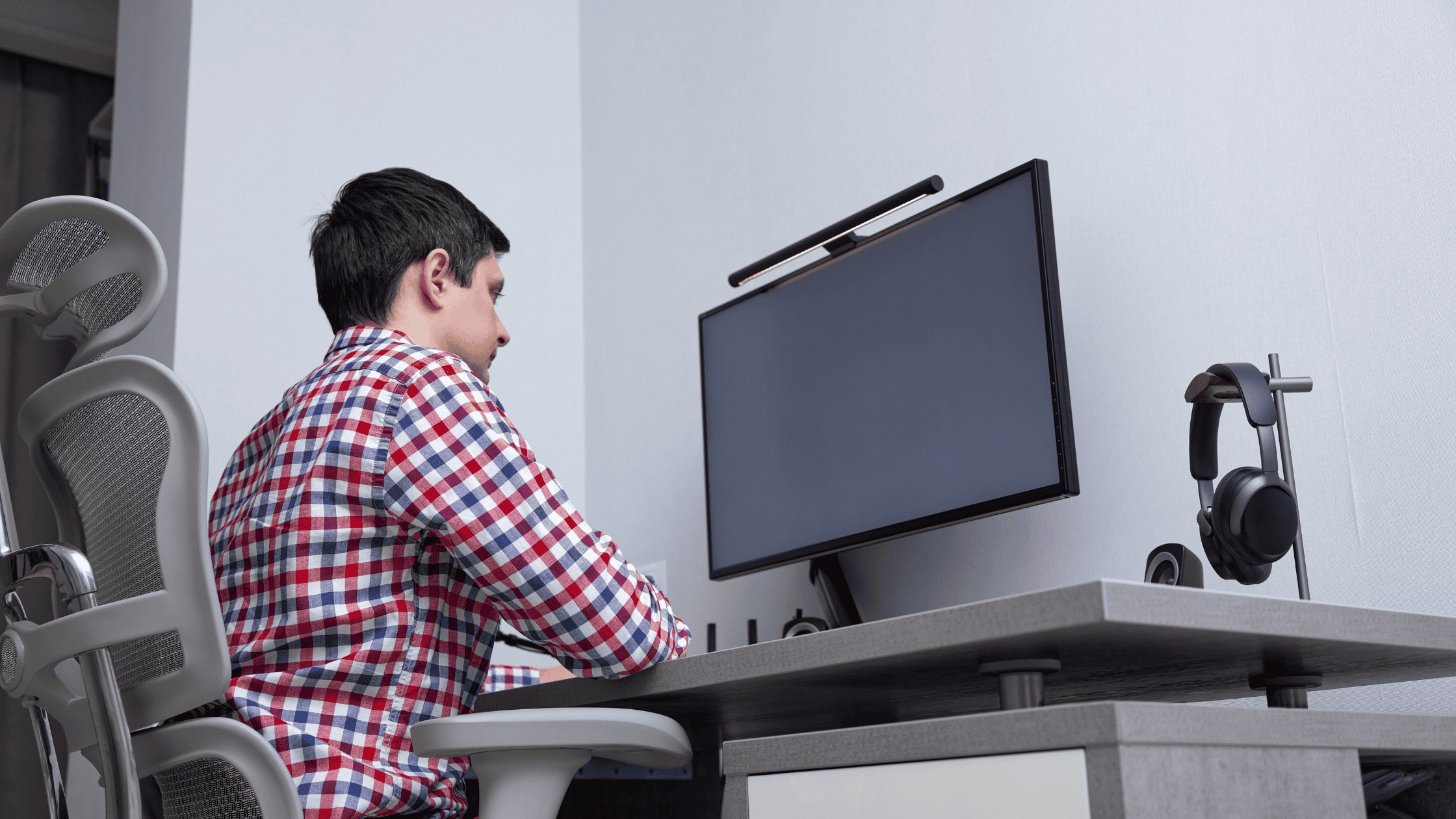
In today’s digital world, many of us spend hours sitting at a desk, whether working from home or in an office. While desk jobs may seem physically easy, prolonged sitting and poor workstation setup can lead to a variety of issues, including neck pain, back pain, wrist strain, and even chronic conditions over time.
The good news is that with a few ergonomic adjustments, you can significantly reduce discomfort and protect your long-term health. Here are practical ergonomic workstation tips every desk worker should know.
Why Workplace Ergonomics Matter
Ergonomics is the science of designing a workspace to fit the user’s needs. When your workstation is properly set up, it helps maintain proper posture, reduces strain on muscles and joints, and minimizes the risk of repetitive stress injuries.
Poor ergonomics, on the other hand, can lead to:
- Chronic neck and back pain
- Carpal tunnel syndrome
- Shoulder tension
- Headaches
- Fatigue and decreased productivity
Investing time in your workstation setup can improve both your comfort and your performance.
Optimize Your Chair Setup
Your chair is the foundation of your workstation. A poorly adjusted chair can quickly lead to back and hip discomfort.
- Adjust seat height so your feet are flat on the floor and your knees are at a 90-degree angle
- Use lumbar support to maintain the natural curve of your lower back
- Keep your hips slightly higher than your knees if possible
- Sit all the way back in the chair to avoid slouching
Position Your Monitor at Eye Level
One of the most common causes of neck pain is looking down or up at your screen for extended periods.
- Position your monitor so the top of the screen is at or slightly below eye level
- Keep the screen about an arm’s length away
- Center the monitor directly in front of you
Keep Your Keyboard and Mouse in the Right Place
- Keep your keyboard at elbow height
- Maintain a 90-degree angle at your elbows
- Keep wrists straight, not bent upward or downward
- Place the mouse close to the keyboard to avoid overreaching
Maintain Proper Posture
- Keep your back straight and shoulders relaxed
- Avoid slouching or leaning forward
- Keep your head aligned over your shoulders
- Keep feet flat on the floor
Don’t Forget About Movement
One of the biggest ergonomic mistakes is staying in the same position for too long.
- Stand up and move every 30–60 minutes
- Stretch your neck, shoulders, and back throughout the day
- Take short walking breaks when possible
Adjust Your Desk and Work Area
- Keep frequently used items within easy reach
- Ensure there is enough legroom under your desk
- Avoid clutter that forces awkward movements
- Use a document holder if you frequently reference papers
Reduce Eye Strain
- Follow the 20-20-20 rule
- Adjust screen brightness and contrast for comfort
- Reduce glare by positioning your monitor away from direct light
- Blink frequently to keep eyes hydrated
Consider Ergonomic Accessories
- Adjustable standing desk
- Ergonomic chair
- External keyboard and mouse
- Monitor stand or arm
- Footrest
When to Seek Professional Help
If you’re experiencing persistent pain despite improving your workstation setup, it may be time to consult a medical professional. Chronic discomfort can sometimes indicate underlying issues that require treatment.
Final Thoughts
Your workstation setup has a direct impact on your physical health. By making a few simple ergonomic adjustments, you can reduce pain, improve posture, and stay more productive throughout the day.
Small changes—like adjusting your chair, raising your monitor, or taking regular breaks—can add up to significant long-term benefits. If you spend hours at a desk each day, investing in ergonomics is one of the smartest things you can do for your overall well-being.