
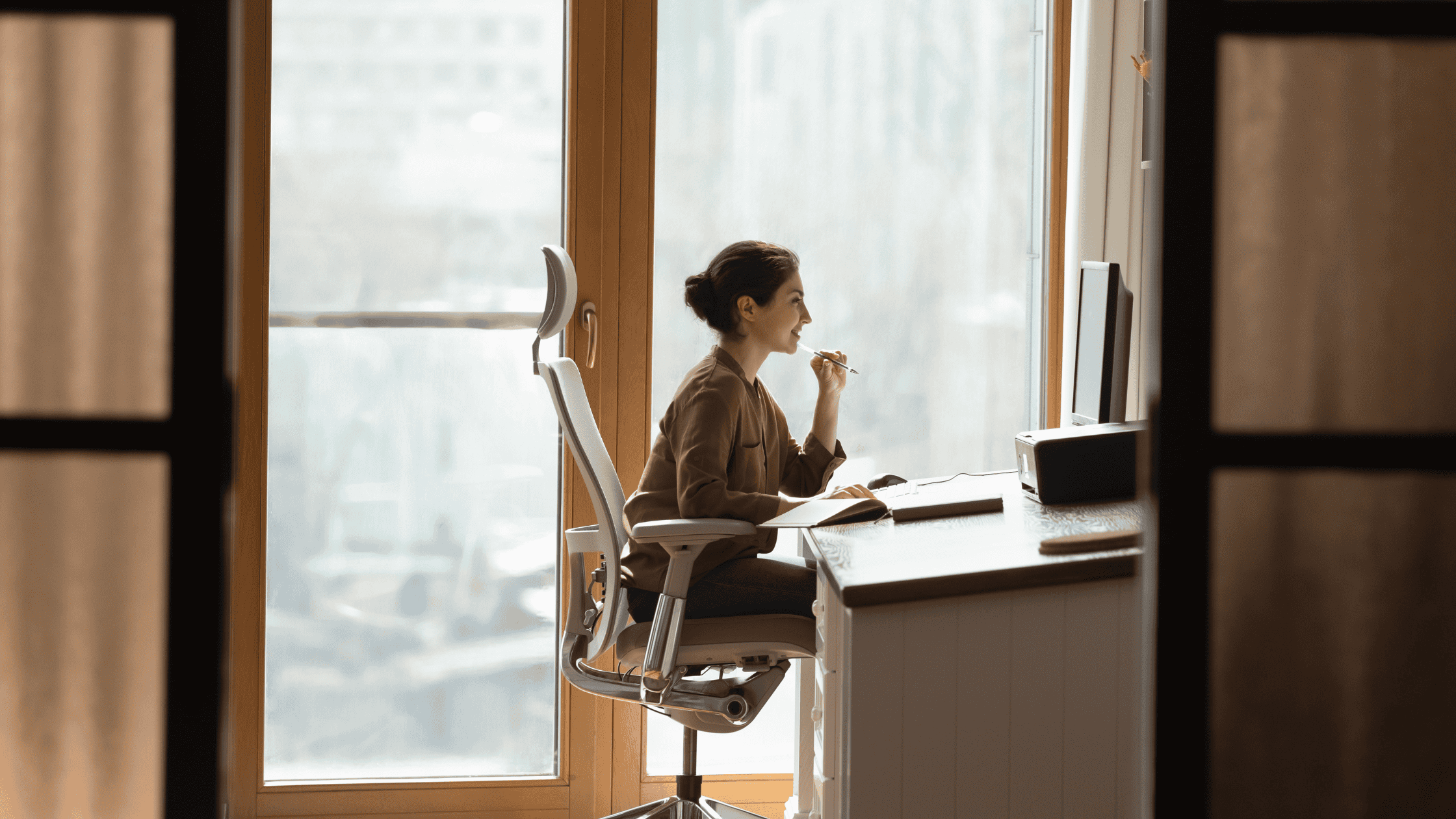
Protecting your spine while working from home is important because remote work often creates new challenges for posture, movement, and ergonomics. Many home offices lack properly designed workstations, leading employees to work from couches, kitchen tables, or poorly adjusted desks. Over time, these habits can contribute to neck pain, upper back tension, lower back pain, and increased stress on the spine.
The spine supports the body’s movement, balance, and stability. When the spine remains in unhealthy positions for extended periods, muscles, joints, and spinal discs may experience increased strain. Understanding how to create a spine-friendly workspace and maintain healthy daily habits can help reduce discomfort and support long-term spinal health.
Why Is Protecting Your Spine While Working From Home Important?
Protecting your spine while working from home is important because remote work can increase the risk of poor posture, prolonged sitting, and improper workstation setup. Creating healthier work habits can reduce unnecessary stress on the neck, back, and spinal structures.
How Does Poor Work-From-Home Ergonomics Affect the Spine?
Poor work-from-home ergonomics can affect the spine by placing the neck, shoulders, and lower back under unnecessary stress. Sitting with rounded shoulders, leaning toward a laptop screen, or working from an unsupportive chair can change the natural alignment of the spine.
When the head moves forward away from the shoulders, neck muscles must work harder to support its weight. This forward head posture is commonly associated with neck stiffness, headaches, and upper back discomfort. Slouching can also increase pressure on the lower back.
What Is the Best Desk Setup for Spine Health While Working Remotely?
The best desk setup for spine health while working remotely includes an adjustable chair, proper screen height, supportive positioning, and space for comfortable movement.
- A chair that supports the lower back
- Feet positioned flat on the floor
- Knees comfortably bent
- Keyboard and mouse placed within easy reach
- Monitor positioned at eye level
Small changes, such as adding lumbar support or raising a laptop screen, can improve spinal alignment and comfort.
How Often Should You Move During a Workday to Protect Your Spine?
Moving regularly during a workday is essential for protecting the spine because prolonged sitting can increase stiffness and reduce circulation. Standing, walking, stretching, or changing positions every 30 to 60 minutes can help reduce strain.
What Exercises Help Support a Healthy Spine for Remote Workers?
Exercises that strengthen the core, improve flexibility, and support posture can help remote workers maintain a healthier spine. Walking, stretching, yoga, core exercises, swimming, and cycling may help improve mobility and reduce muscle tension.
Can Working on a Couch or Bed Harm Your Spine?
Working on a couch or bed can harm your spine because these surfaces often encourage slouching and do not provide adequate support. A dedicated workspace is generally better for maintaining proper spinal alignment during long workdays.
How Can Laptop Use Contribute to Neck and Back Pain?
Laptop use can contribute to neck and back pain because many users look downward at their screens for extended periods. Raising the laptop screen, using an external keyboard and mouse, and keeping the screen directly in front of the body can reduce strain.
When Should Work-From-Home Spine Pain Be Evaluated by a Specialist?
Work-from-home spine pain should be evaluated by a specialist when symptoms persist, worsen, or interfere with daily activities. Warning signs include ongoing pain, numbness, tingling, weakness, or pain that travels into the arms or legs.
How Can Remote Workers Create Long-Term Spine Health Habits?
Remote workers can create long-term spine health habits by combining ergonomic improvements, regular movement, exercise, and posture awareness. Protecting the spine requires consistent habits that reduce prolonged stress and support overall wellness.
Prioritizing spinal health can improve comfort, productivity, and quality of life while working from home.